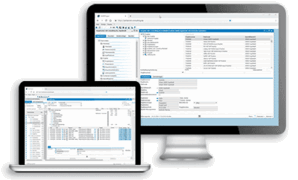
![[Translate to English:] B1ECM Dokumentenmanagement](/b1ecm-dokumentenmanagement-banner-2560x560-6faa.jpg)
![[Translate to English:] B1ECM Logo](/b1ecm-logo-6265.png)
ELO Document Management for SAP Business One
The B1ECM document management add-on offers users of SAP Business One ERP software comprehensive, integrated, and easy-to-use information and document management. B1ECM expands the technical and logical processes of data and document processing to include comprehensive action and information management.
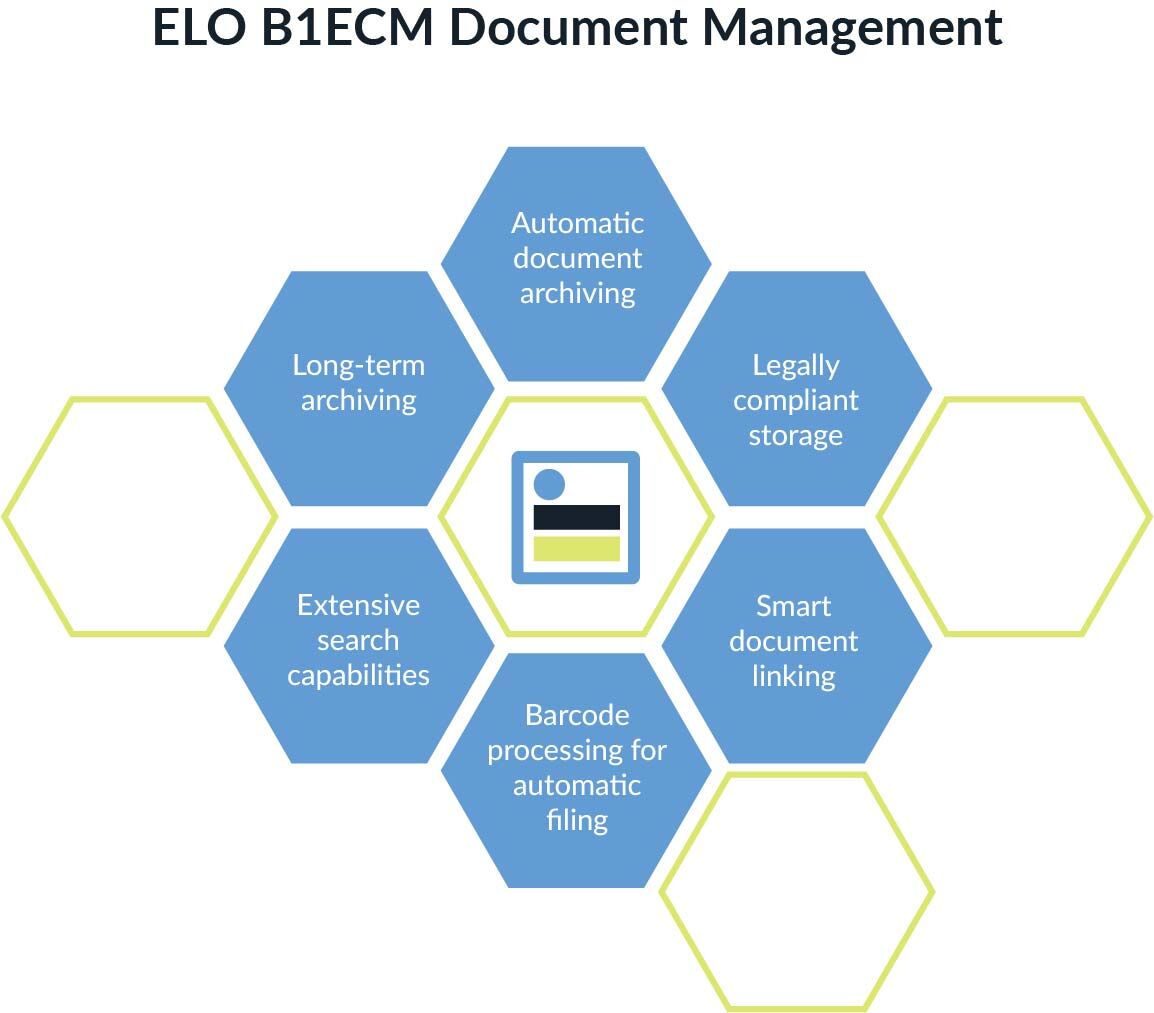
- Automatic document archiving from SAP Business One with versioning
- Legally compliantstorageof commercial documents
- Transaction-related assignment of external documents, files, and emails in SAP Business One
- Barcode processing for automatic filing of scanned documents (e.g., returning documents such as signed delivery notes)
- Extensive search options within SAP Business One and ELO
- Legally compliant storage and long-term archiving
Advantages of B1ECM Dokumentenmanagement
B1ECM seamlessly integrates the SAP Business One ERP system with the ELO ECM system. The document management solution offers a wide range of options for assigning various documents to SAP records.
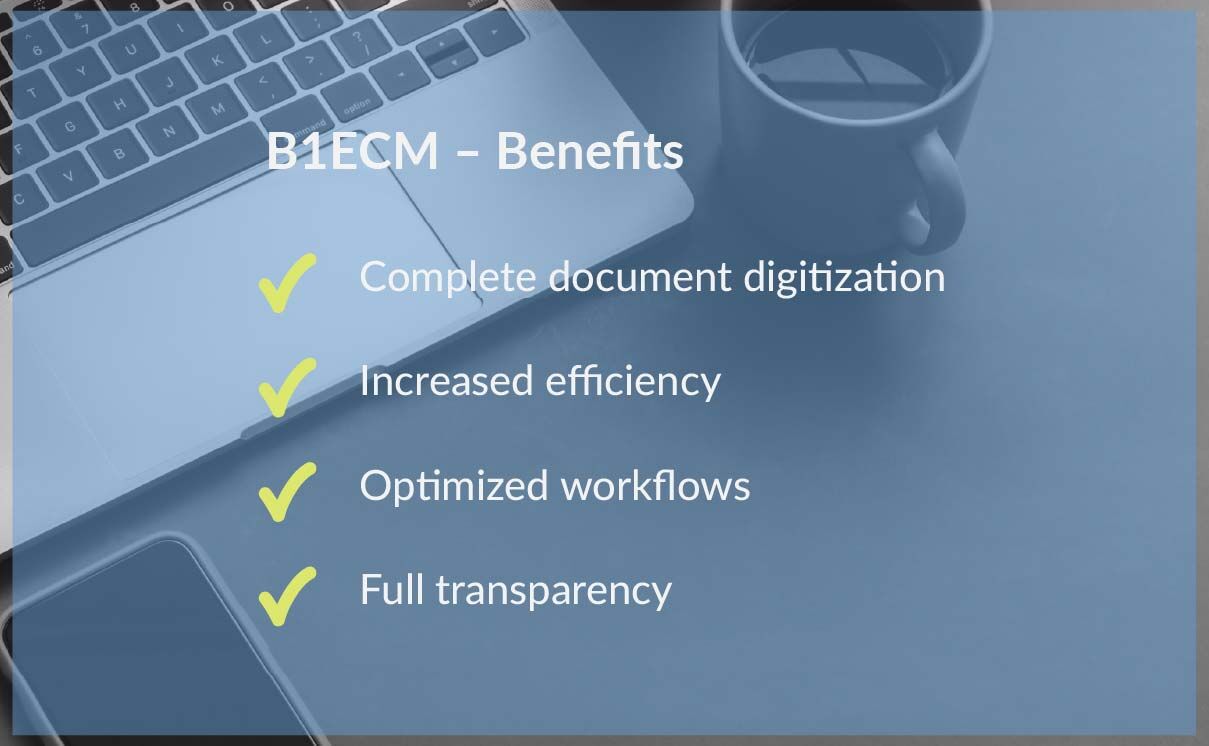
- All documents can be found in ELO and SAP Business One.
- Any document can be added.
- Document management enables the digitization of all documents.
- Administrative steps are reduced, saving time in the long term.
- The document management solution achieves maximum transparency, as all documents are stored centrally.
Functions of B1ECM Document Management
In SAP Business One, any document can be added to a transaction. After posting the incoming document, related documents are stored securely and immediately linked correctly:
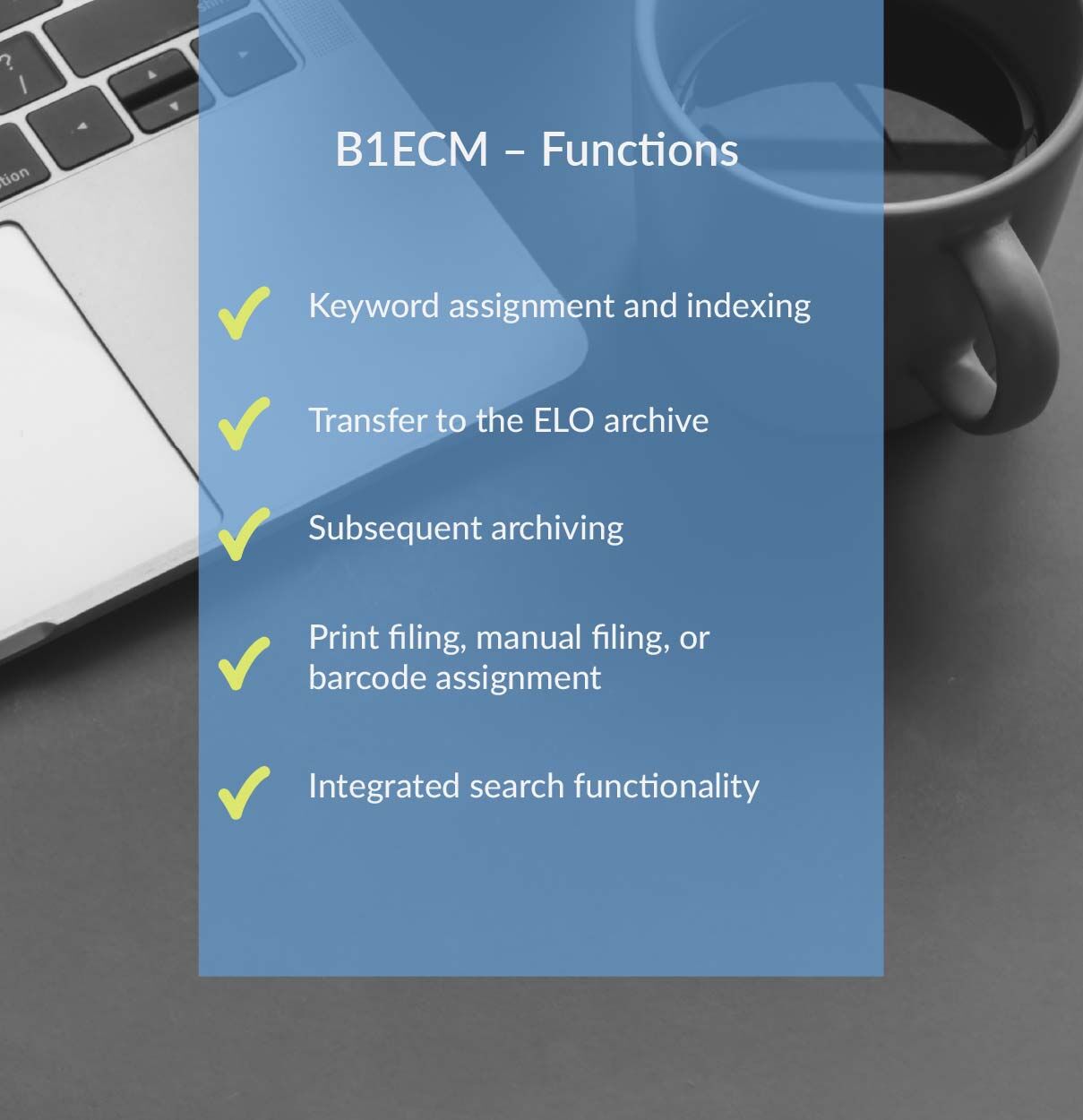
- Processing of documents using print storage, manual storage, or barcode assignment
- Keyword assignment and indexing based on the SAP document
- Moving to the ELO archive
- Posting and archiving multiple documents in succession reduces daily administrative work and saves time
- Post-archiving of printed documents after the introduction of B1ECM
- The SAP search function allows you to search all stored documents using a search term
- The search results are clearly listed in a hit list
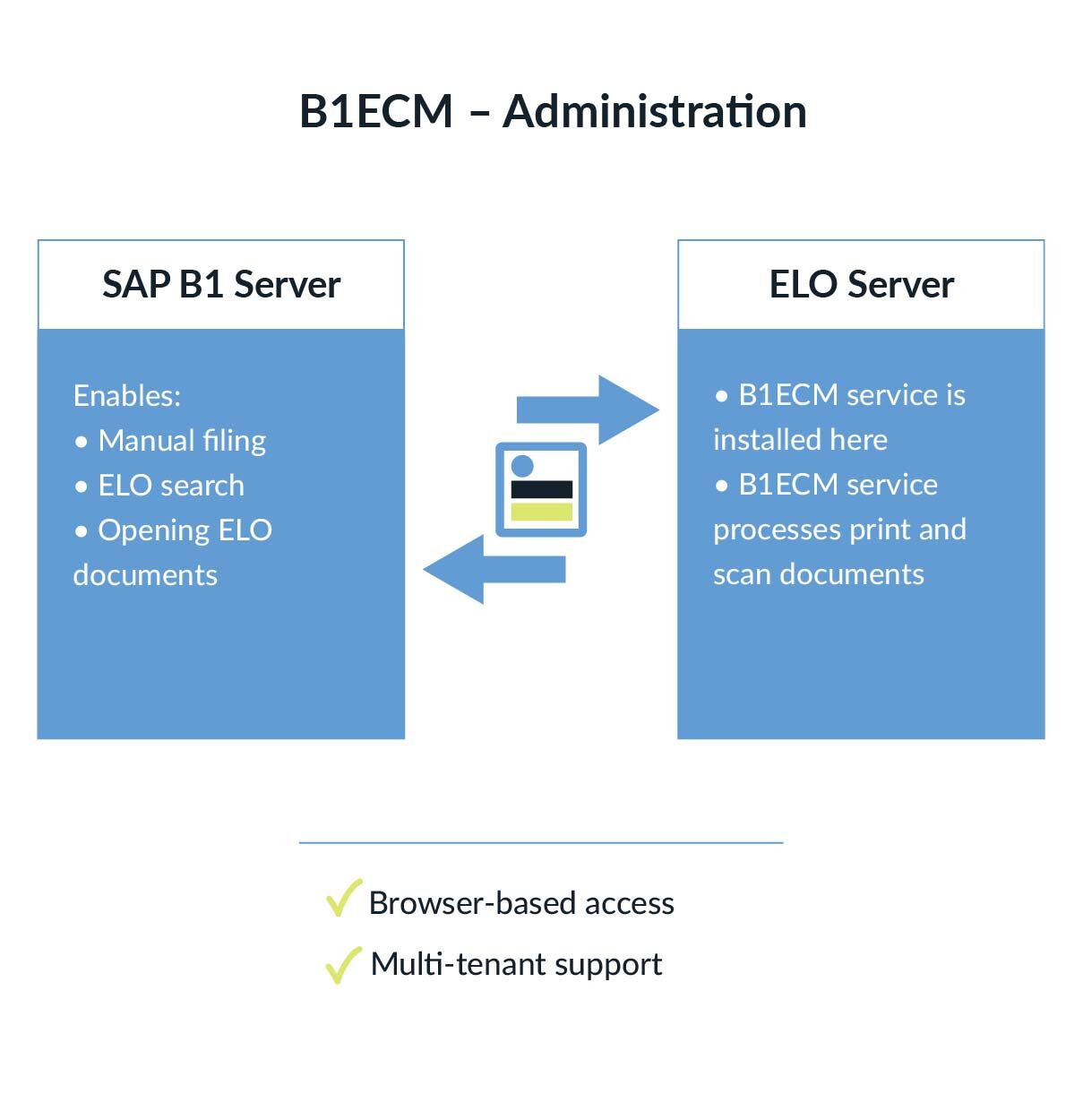
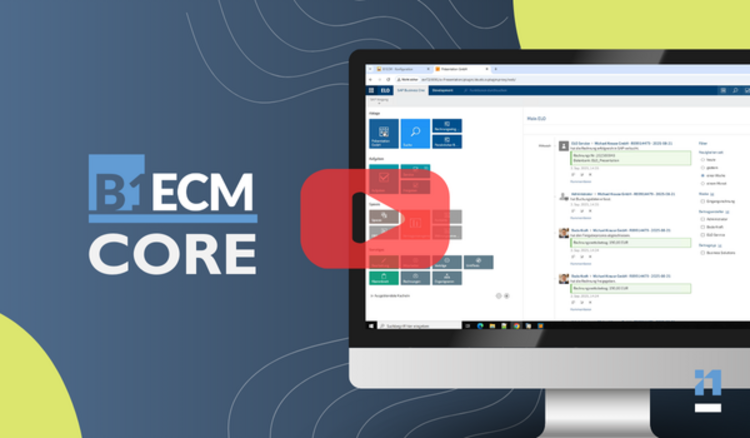
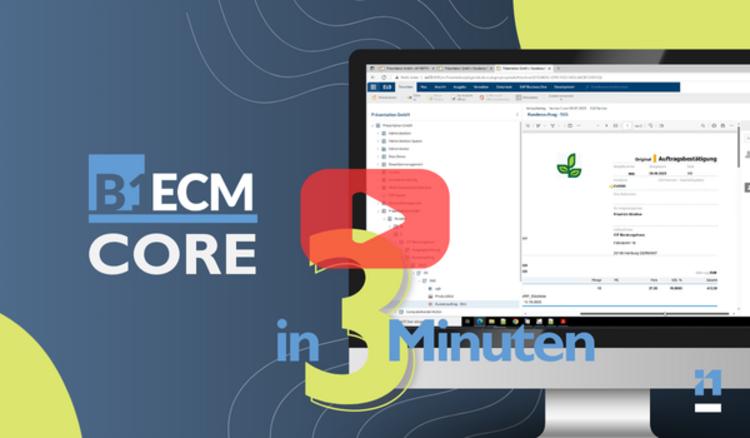
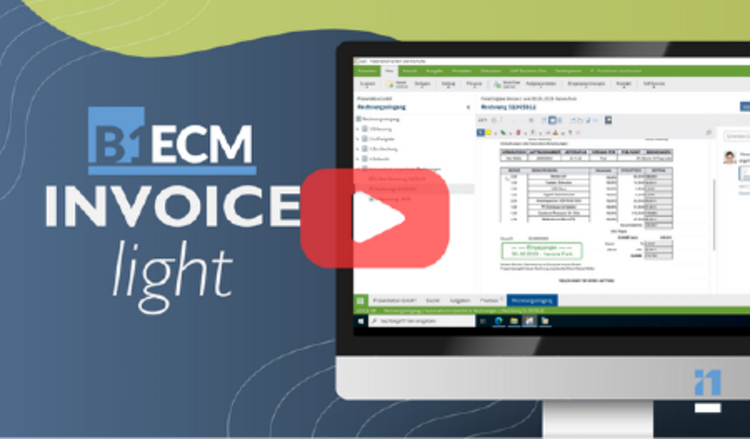

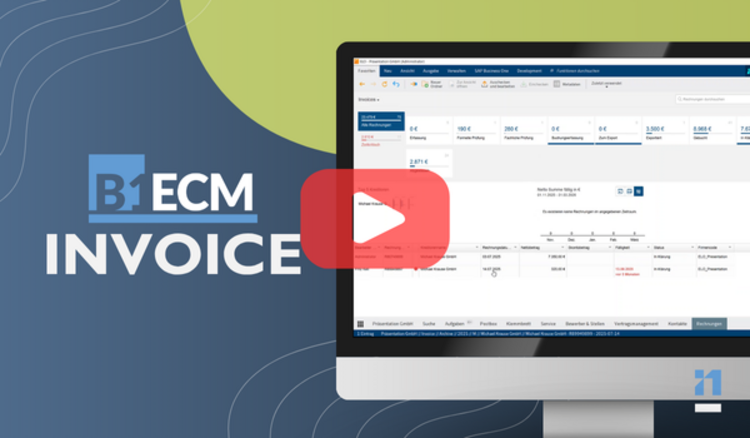
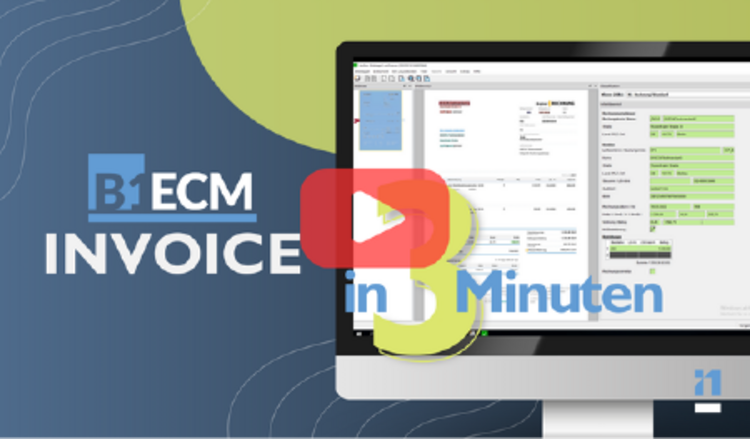
Invoices are captured, approved, and posted using B1ECM-Invoice. The document management solution enables the SAP Business One ERP system and the ELO ECM system to interact with each other.
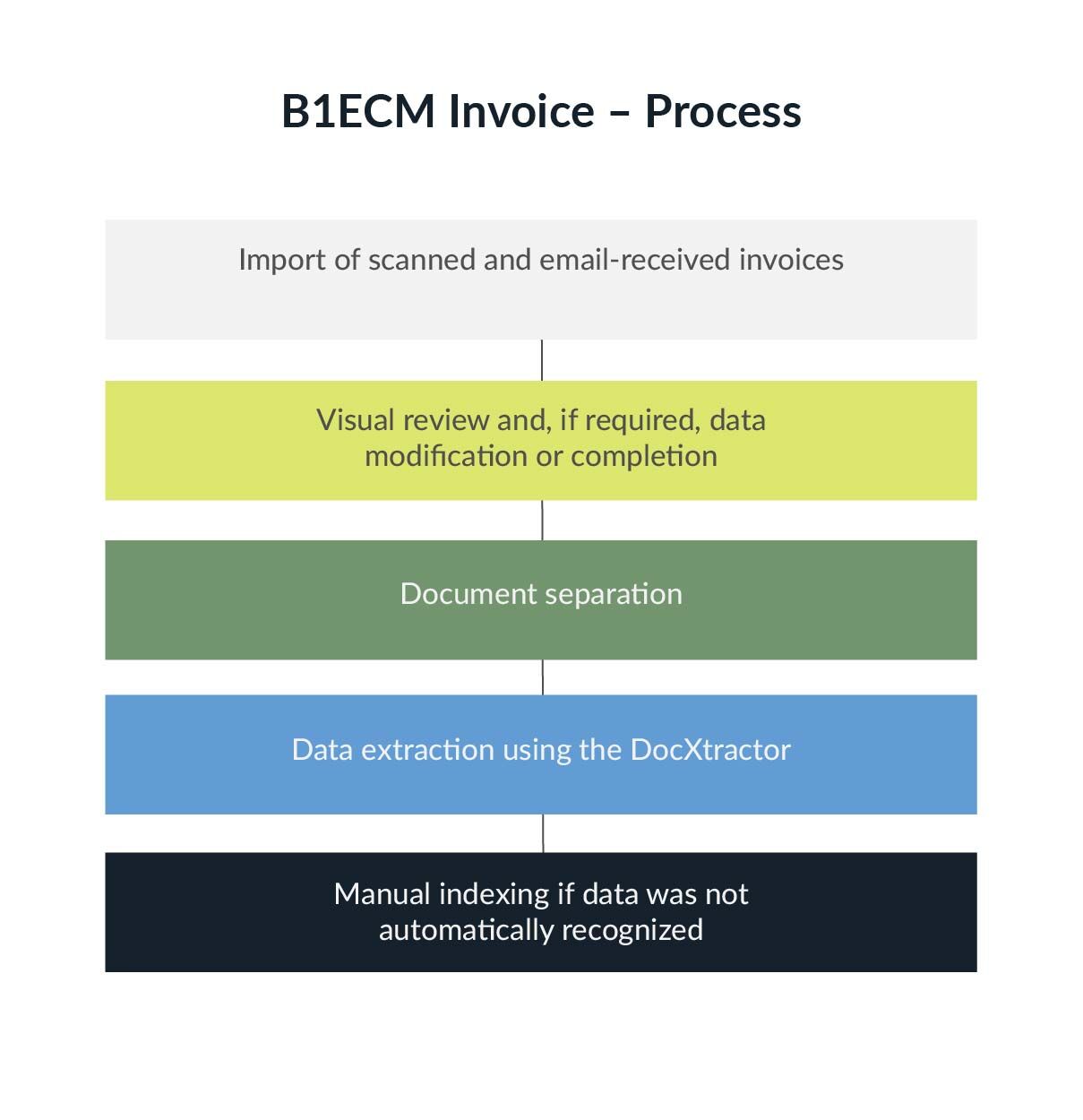
The processing of incoming invoices in the B1ECM-Invoice document management add-on takes place in several steps. The individual processing steps are assigned to the responsible persons:
- Import of scanned invoices and invoices received by email
- Visual inspection and, if necessary, modification or addition of data
- Document separation
- Extraction of data
- Manual tagging if data is not recognized automatically
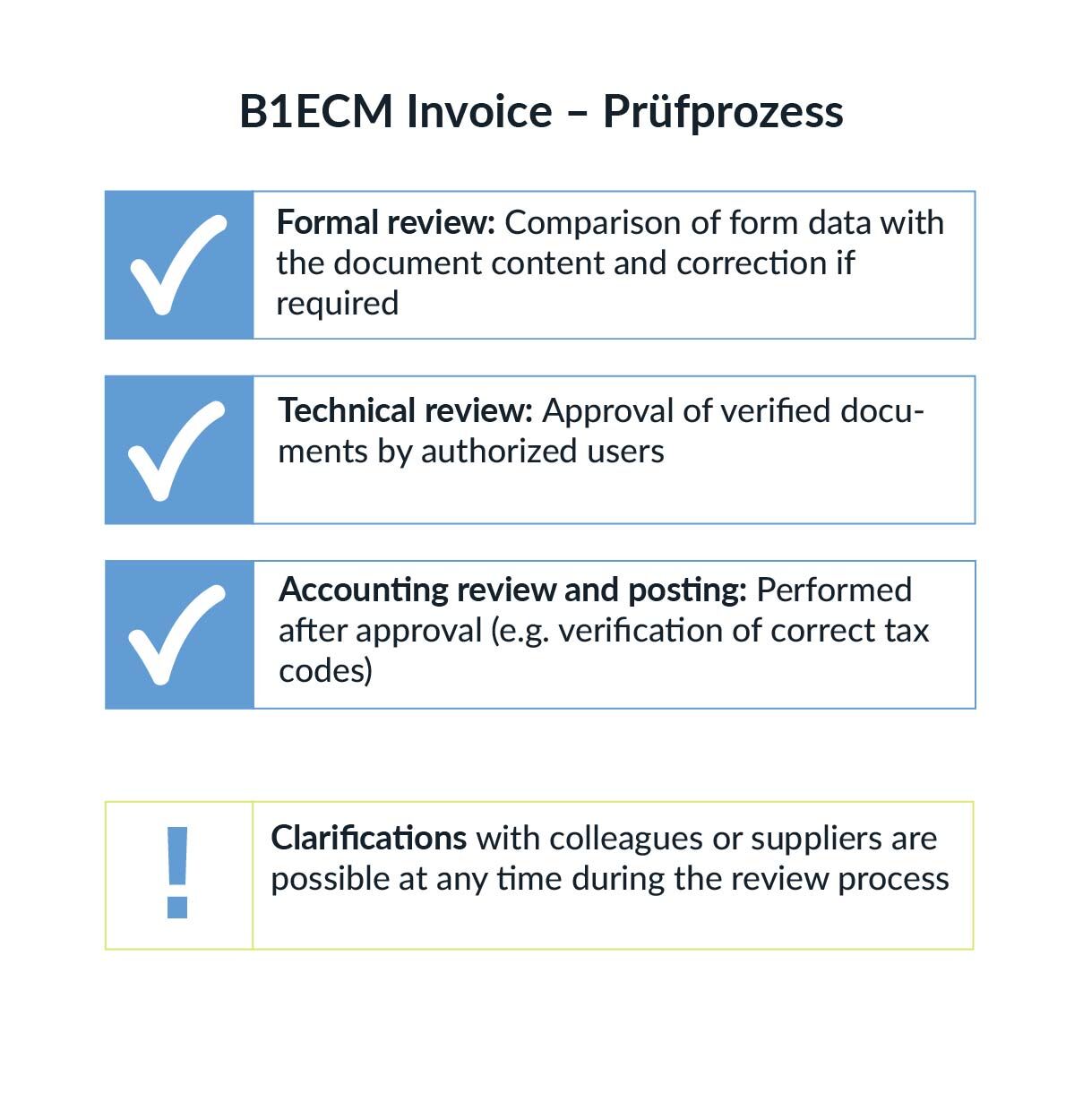
The documents go through the following review steps:
- Formal review: Compare the content of the form with the data on the document and correct if necessary
- Technical review: Approved documents are released by authorized persons
- Accounting review and posting after approval, e.g., checking for correct tax codes
- Queries to colleagues or clarifications with suppliers are possible at any time during the review process
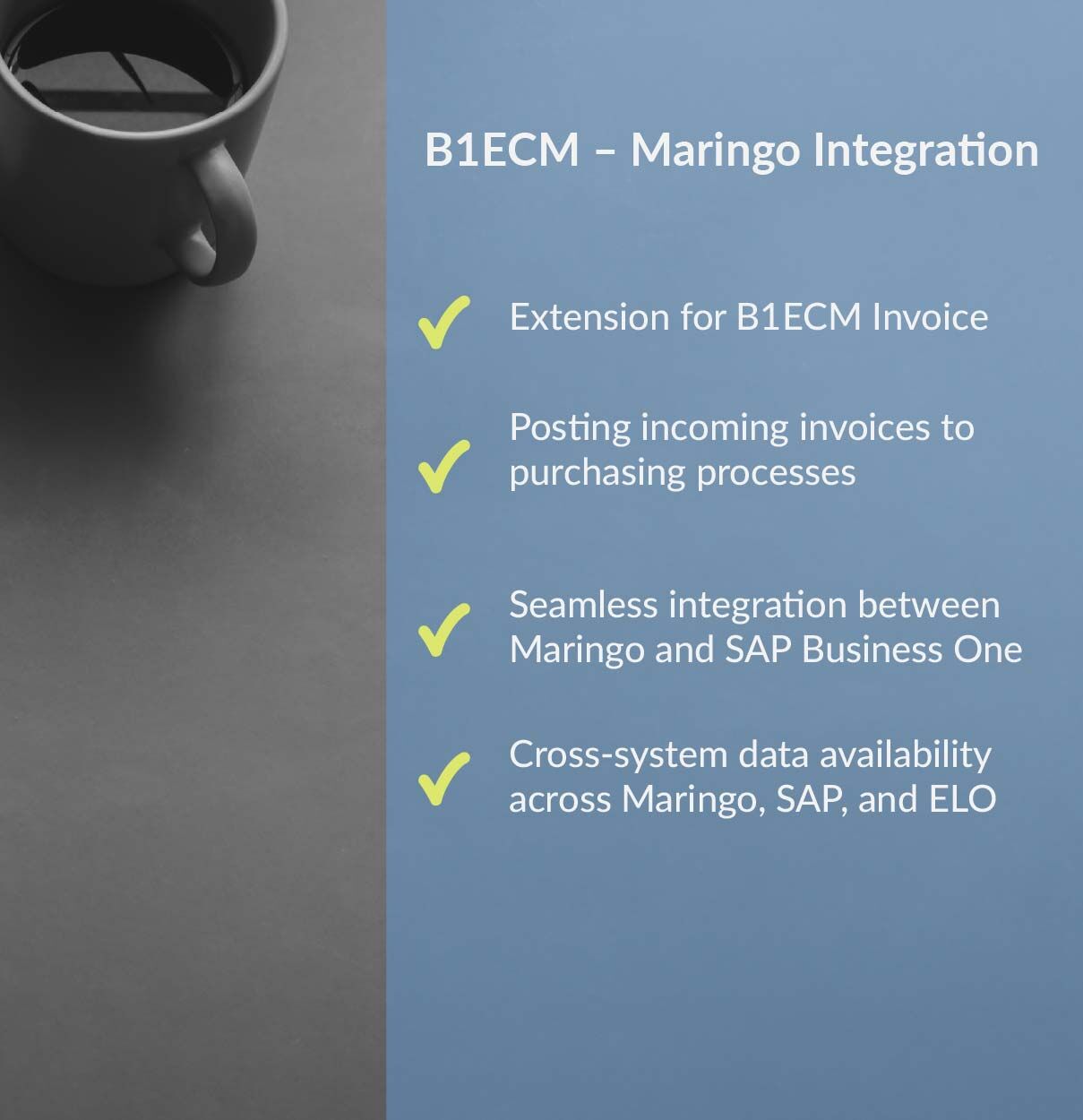
- Maringo Integration is an extension for the B1ECM Invoice solution
- The aim is to post an incoming invoice to a purchasing transaction
- The invoicing process in Maringo Integration is exactly the same as in B1ECM Invoice
- The only difference is that there is an extension to Maringo in some process sections
- Once the invoice has been approved, it is posted to the purchase transaction in MariProject and transferred to SAP Business One
- The integration enables access to the invoice document from Maringo and SAP
- All information is available across Maringo, SAP, and ELO